Production
The morning production report, already written
OPC UA
Shift counts & downtime read
AI agent
Summarises against plan
Microsoft Teams
Report to the morning meeting
The meeting starts on the numbers, not on collecting them.
Loading
Services · Manufacturing Automation
The shop floor already records everything, the model already holds the BOM, and the ERP already has the plan. We connect them, check them and turn them into reports, alerts and updates — without touching the machines.
OEE
per machine
Downtime
reason captured
Quality
SPC alerts
Illustration of typical reporting
The problem
In most plants the numbers, drawings and plans are already digital — they just live in systems that do not talk to each other.
Counts and downtime copied off HMI screens and log sheets into Excel.
Title blocks, revisions and BOMs updated file by file instead of designing.
The plan says one thing, the floor did another, and nobody knows until dispatch.
Desktop ERPs, in-house tools and Excel macros that were never built to talk.
1Manufacturing process automation
We read production, quality and maintenance data from PLCs, SCADA and historians, join it with the ERP, and turn it into operational reports, alerts and follow-ups.
Read-only on the shop floor. We read from PLCs, SCADA and historians — we never write to machines or control systems.
Shift counts, cycle times and rejects read from PLCs, SCADA and historians — the daily production report written before the morning meeting.
Availability, performance and quality per machine, with downtime reasons captured instead of reconstructed at the end of the week.
Inspection sheets and gauge readings turned into SPC charts, with an alert and a drafted NCR the moment a trend goes out of tolerance.
Running hours, alarms and vibration readings turn into maintenance work orders and spare-part checks before a machine stops.
Mill test certificates and inspection reports read by document AI, matched to heat numbers and POs, and gaps flagged before goods are accepted.
2Engineering & design automation
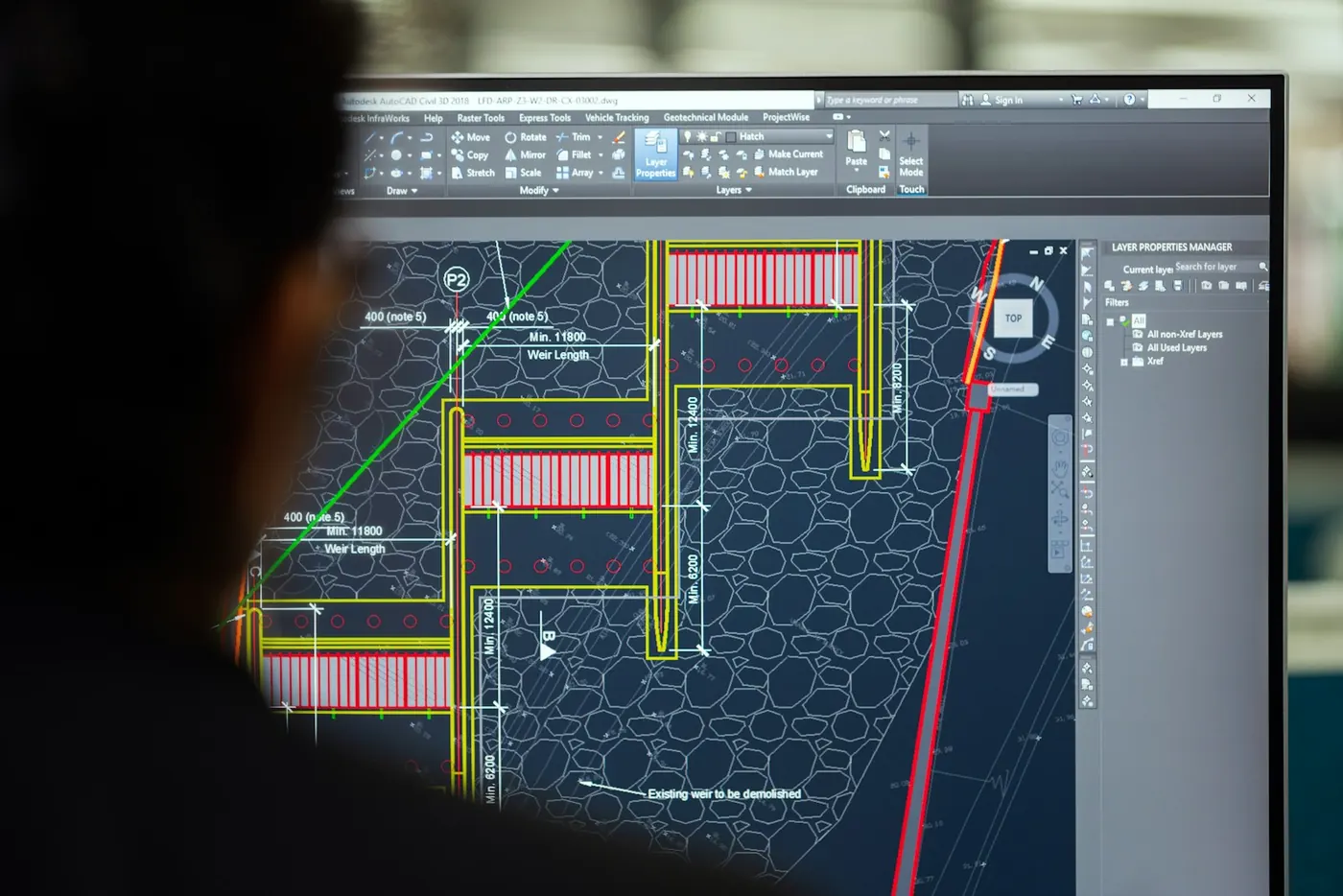
Designers lose days to work that is really data handling: updating hundreds of drawings, copying BOMs and MTOs into Excel, checking specs line by line. Design tools expose their models to scripts — so that work can run on its own.
Batch run · illustration
412 drawings updated
3 need a designer’s look
Title blocks, revisions, layers and xrefs changed across hundreds of drawings at once — then batch-plotted to PDF with a list of anything that failed.
Bills of material and material take-offs pulled from the model, cleaned and pushed to Excel, SAP, Tally or Odoo — no retyping.
Line class, schedule, rating and branch fittings checked against the piping spec on every line — with a failure list instead of a manual review.
Isometrics generated in batches, and the drawing register, revision log and transmittals kept up to date automatically.
Part and assembly variants, with their drawings, generated from a parameter sheet — so a sales enquiry becomes a model without a redraw.
Quantities, weights, clash results and stress-analysis inputs prepared from the model and summarised for the review meeting.
3ERP integration
Plans, orders, materials and suppliers checked against what actually happened — including software that was never built to connect.
Sales orders and production plans compared with what the floor produced — delays flagged and the dispatch plan updated.
Bills of material taken from the model, checked for missing codes and prepared for upload — not retyped.
PO confirmations, ASNs and late deliveries checked on every line, with supplier follow-up drafted for approval.
Where there is API or full access, automated inside the software. Where there is not, as much as possible from outside — file exports, a read-only database user, or screen automation where the licence allows.
Purchasing in your ERP? PO confirmation, ASN tracking and supplier follow-up have their own page — with a 2-minute demo.
Procurement & ERP →Use cases
Each follows the same idea: read the data where it already lives, check it, and hand people only the exceptions.
Illustrative workflows — what gets built, not client results
Production
OPC UA
Shift counts & downtime read
AI agent
Summarises against plan
Microsoft Teams
Report to the morning meeting
The meeting starts on the numbers, not on collecting them.
Design office
Microsoft Excel
Revision list
AutoCAD
Title blocks updated, PDFs plotted
AI agent
Failures listed for a designer
Hundreds of drawings updated in one run, with the exceptions named.
Quality & stores
Gmail
Certificate arrives
AI agent
Reads heat number & grade
SAP
Matched to the PO, gaps flagged
A missing or mismatched certificate is caught at the gate, not at the audit.
Technologies & integrations
With an API key or full access, automation runs inside the system. Without it, we automate as much as possible from outside.
The automation works inside the software itself — reading, creating and updating records within the permissions you grant.
We automate what can be done around the tool — and tell you up front which steps stay manual.
Product names are trademarks of their owners and are used only to say what we can connect to — no partnership, affiliation or endorsement. How much is automated depends on the access available; we check it on the first call.
Benefits
Production and quality numbers arrive before the meeting, in the same format every day.
Bulk edits, BOM extraction and spec checks run as scripts, not afternoons.
The ERP, the floor and the drawing office read from the same data.
Shop-floor access is read-only, so automation never becomes a production risk.
Delivery process
The pilot runs beside the manual process until the output matches — then the next piece starts.
You do it the way you always do, start to finish. Most of the design comes out of that one session.
Hours per month, people involved, cost of the errors it causes today. If the number is small, we say so.
One slice, your actual files. Run it beside the manual process and compare the output line by line.
The full job, on your infrastructure, running on a timer with retries and a run history.
Alerts when a run fails, documentation, and the source. It keeps working when nobody is watching it.
Questions
Machines, CAD tools, ERPs and old software — what we connect and what we never touch.
We read from them — through OPC UA, MQTT, historians or the SCADA database — to build production, OEE, quality and maintenance reporting. We never write to PLCs or control systems.
Yes. Design tools expose their models to scripts — AutoLISP and the .NET API for AutoCAD and Plant 3D, the SolidWorks and Inventor APIs, PML for AVEVA, and the Revit and Navisworks APIs. Typical jobs are bulk drawing updates, BOM and MTO extraction, piping spec checks, isometric generation and design configurators.
SAP ECC and S/4HANA purchasing data is where our product demo sits. Other ERPs are connected the same way: with an API key or full access, inside the ERP; without it, as much as possible from outside. The method is confirmed against your system and licence before anything is built.
Procurement & ERP AutomationPartly, and we say which part before building. Without an API or full access, we automate as much as possible from outside — scheduled file exports, a read-only database user, or screen automation where the software's licence allows it. Some steps may stay manual.
Yes, and we recommend it — one report, one drawing set or one line. It runs beside the manual process until the output matches, and only then does the next piece start.
Other services
AI agents that take repetitive work off email, documents, spreadsheets, CRM and ERP.
Learn morePO & ASN tracking, exceptions, supplier follow-up and reconciliation — checked on every line, every day.
Learn moreAttendance, auto substitution, live bus tracking and parent alerts for schools that still run on registers.
Learn moreResponsive, SEO-ready websites for new businesses and established companies.
Learn moreKeep an existing business website reliable, secure and up to date — or bring an old one up to date.
Learn moreThirty minutes on one piece of manual work in your plant or design office. You will leave knowing whether it can be automated and what the first step would be.